> ## Documentation Index
> Fetch the complete documentation index at: https://dripart-docs-robin-i18n-sync.mintlify.site/llms.txt
> Use this file to discover all available pages before exploring further.
# OpenAI DALL·E 2 节点
> 了解如何在 ComfyUI 中使用 OpenAI DALL·E 2 合作伙伴节点生成图像
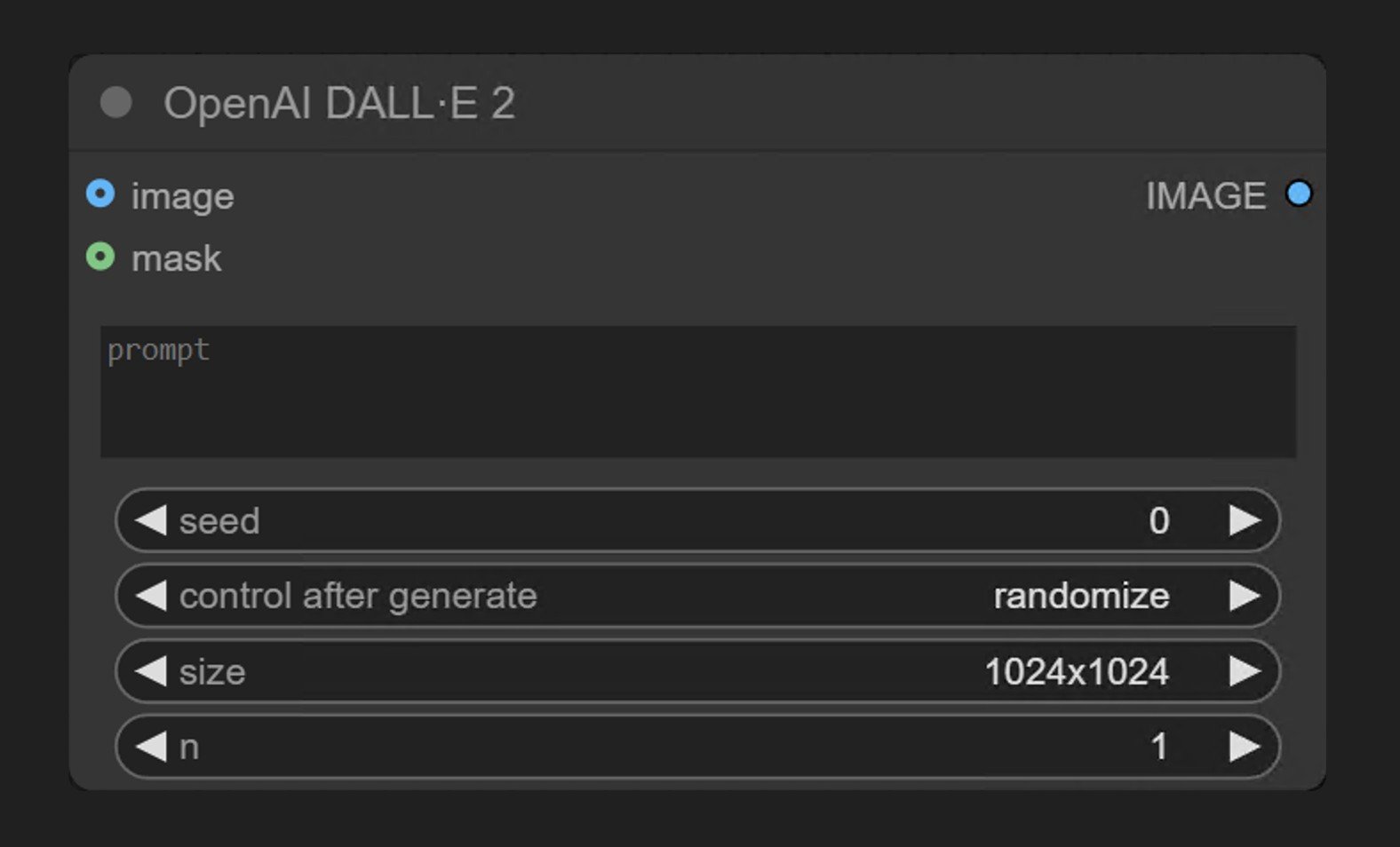 OpenAI DALL·E 2 是 ComfyUI 合作伙伴节点系列中的一员,允许用户通过 OpenAI 的 **DALL·E 2** 模型生成图像。
**OpenAI DALL·E 2** 节点通过 OpenAI 的图像生成 API 同步生成图像。它接收文本提示并返回符合描述的图像。
## DALL·E 2 擅长什么
* 文生图生成
* 图像编辑功能(通过蒙版进行局部重绘)
## 示例输出
根据单个文本提示进行文生图生成:

局部重绘:根据文本提示替换输入图像中的蒙版区域

## 在 ComfyUI 中使用
在 ComfyUI 中运行文生图和局部重绘工作流,本地或 Comfy Cloud 均可。
OpenAI DALL·E 2 是 ComfyUI 合作伙伴节点系列中的一员,允许用户通过 OpenAI 的 **DALL·E 2** 模型生成图像。
**OpenAI DALL·E 2** 节点通过 OpenAI 的图像生成 API 同步生成图像。它接收文本提示并返回符合描述的图像。
## DALL·E 2 擅长什么
* 文生图生成
* 图像编辑功能(通过蒙版进行局部重绘)
## 示例输出
根据单个文本提示进行文生图生成:

局部重绘:根据文本提示替换输入图像中的蒙版区域

## 在 ComfyUI 中使用
在 ComfyUI 中运行文生图和局部重绘工作流,本地或 Comfy Cloud 均可。