> ## Documentation Index
> Fetch the complete documentation index at: https://dripart-docs-robin-i18n-sync.mintlify.site/llms.txt
> Use this file to discover all available pages before exploring further.
# ComfyUI での Reve 画像の作成、編集、およびリミックス
> ComfyUI で Reve パートナーノードを活用して、最大 4K 解像度での高品質な画像生成、編集、およびリミックスを行う方法を学びましょう
Reveは提供を終了しました。Reveパートナーノードは廃止され、ワークフローは参考用にアーカイブされています。
Reveは、パートナーノードを通じてComfyUIで利用できる画像生成モデルです。最大**4K解像度**でのテキストから画像への生成、画像編集、画像リミックスを、3つの専用ノードでサポートしています。
## Reve Imageが得意なこと
* **最大4K解像度**:高解像度でシャープかつ詳細な画像を生成
* **組み込みの美学トレーニング**:ファッションエディトリアル、シネマティック、自然光スタイルに適した結果を生成
* **画像編集**:既存の画像の照明条件やカラーグレーディングを変更し、モーション効果を追加
* **画像リミックス**:一貫性を保ちながら、参照画像の要素をターゲット画像に組み合わせる
## 出力例
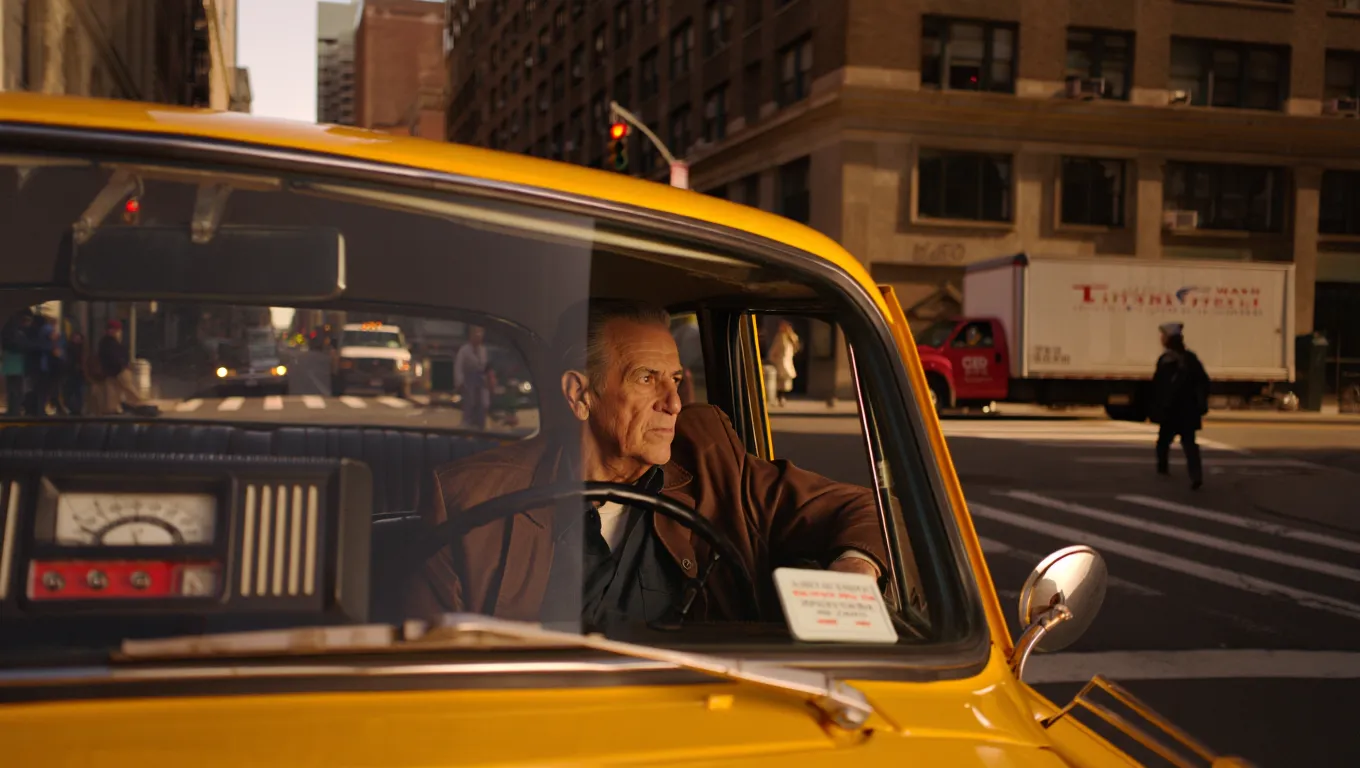
詳細な美学を備えたテキストから画像への生成:
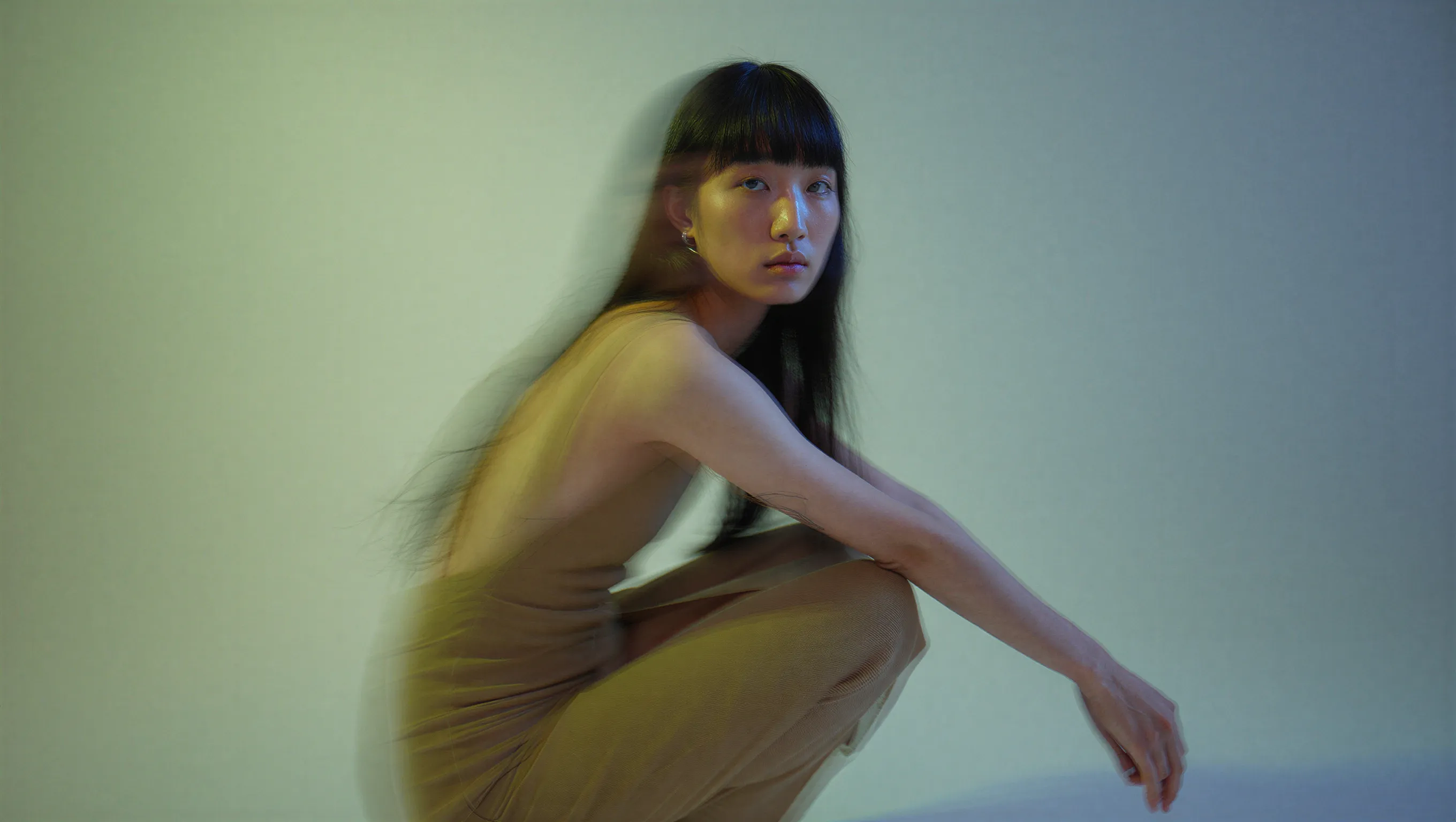
シネマティックなテキストから画像への作品。ここではデュアルトーン照明を使ったファッションエディトリアルポートレート:
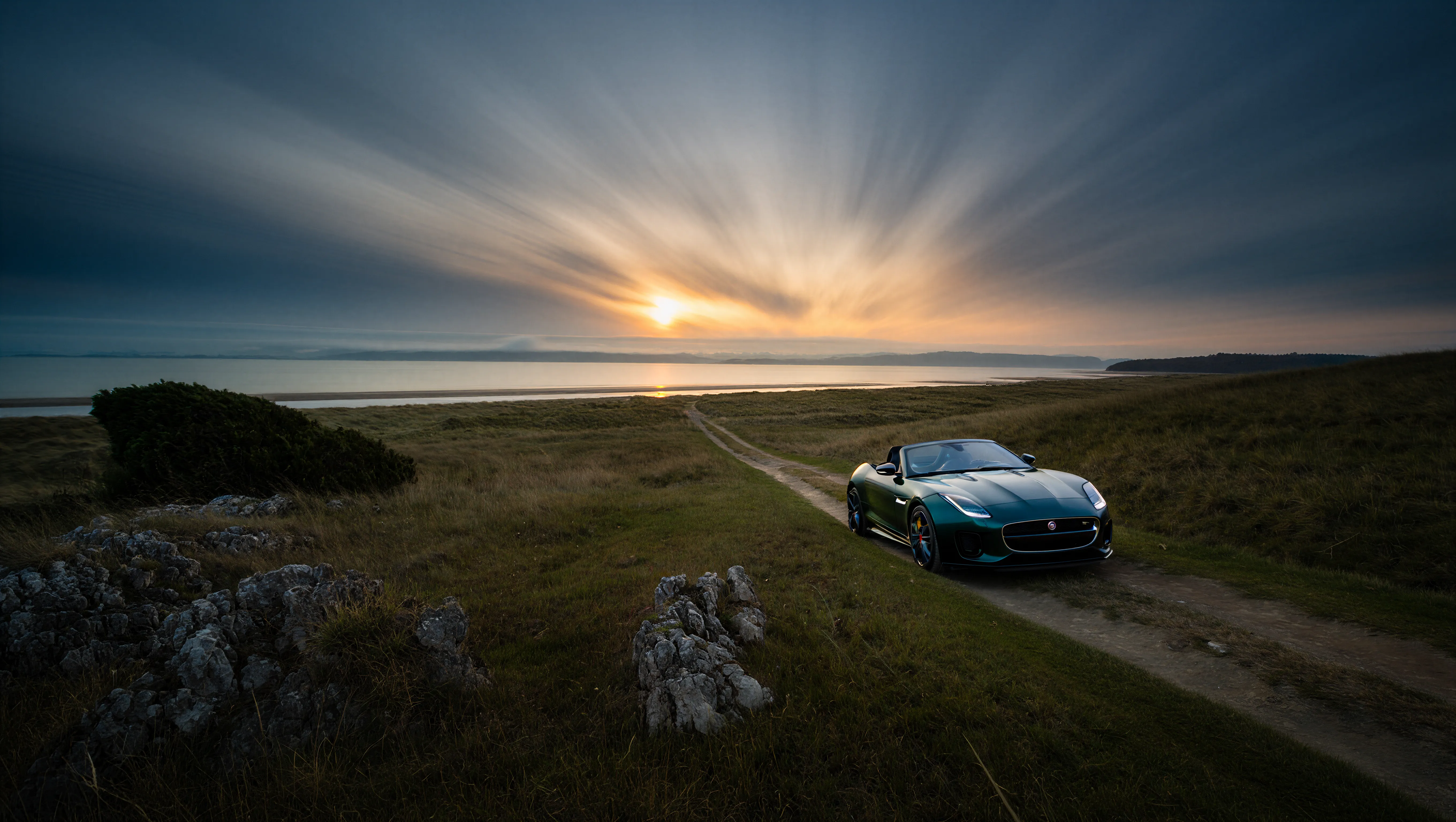
細部まで保持された4K解像度の出力:
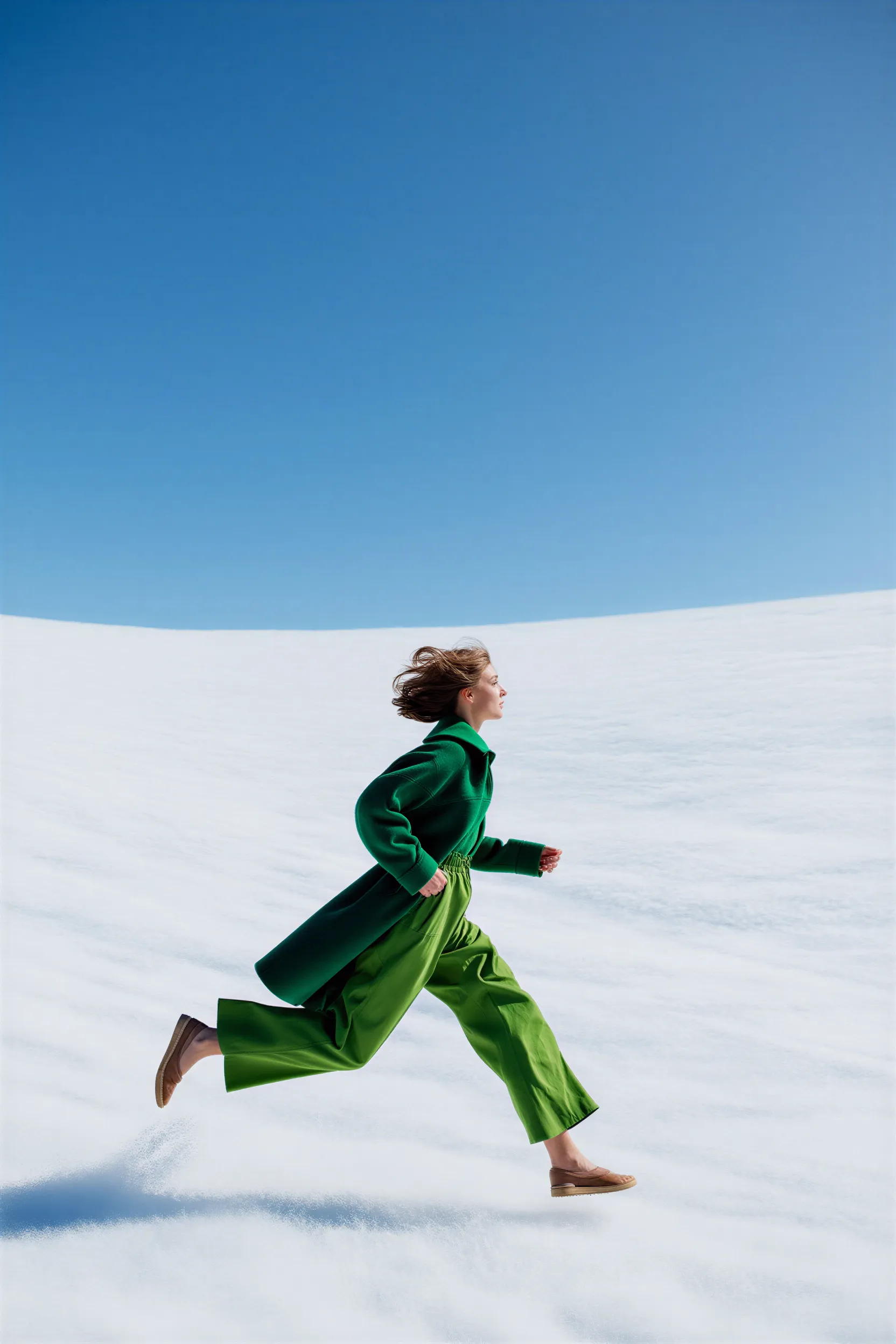
テキストの指示による画像編集:
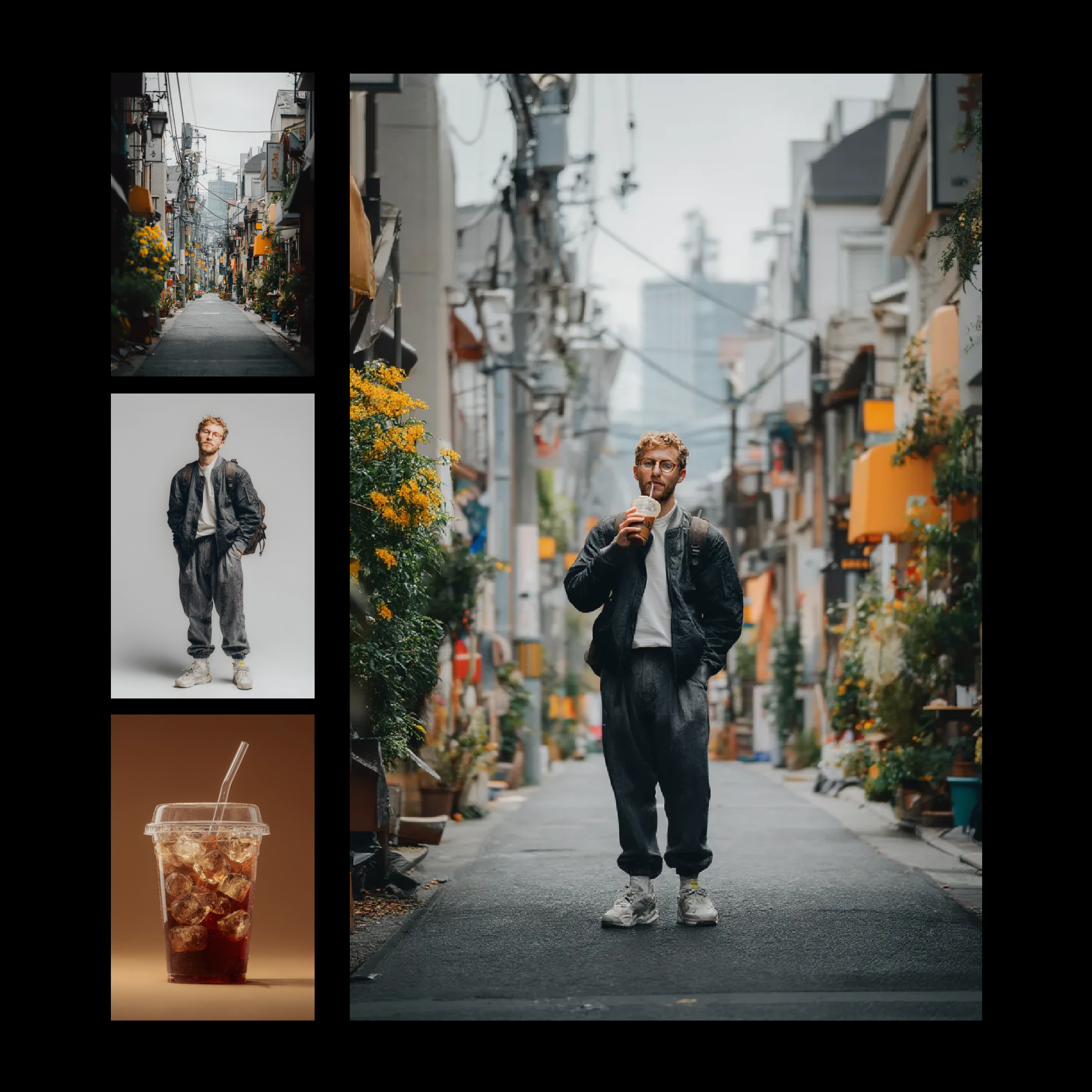
複数の参照画像を1つの出力に組み合わせる画像リミックス:
## ComfyUI で使用する
アーカイブされたテキストから画像への生成、画像編集、画像リミックスのワークフローを、ローカルまたはComfy Cloud上のComfyUIで実行します